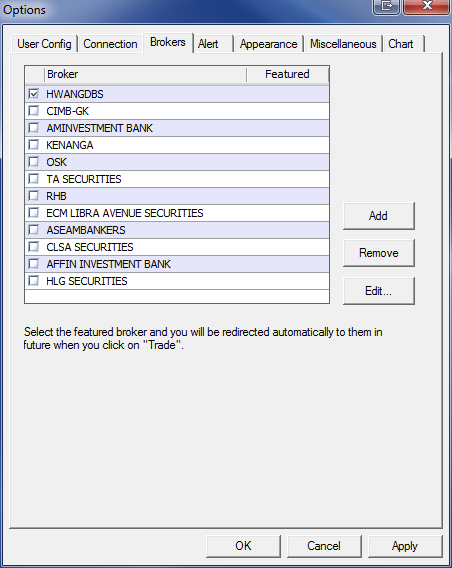
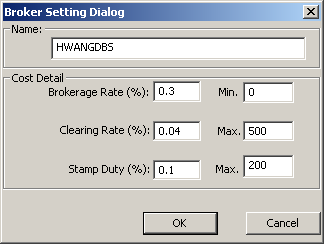
In Brokers Setting, we allow users to customize their own choice of broker so that users can
obtain a more accurate data:
Broker's Settings
1. Click on Options -> Options
2. Select the Brokers tab
3. Select the Broker you want to edit.
(a) Double click on the Broker OR
(b) Click on the Edit button
4. Configure the selected broker's setting.
5. Click OK.