Bursa Station
Latest Promotions  |  Events  |  FAQ  |  Contact Us

Download


Release Date : July 2010

BursaStation Professional Version 6 New Features Include:

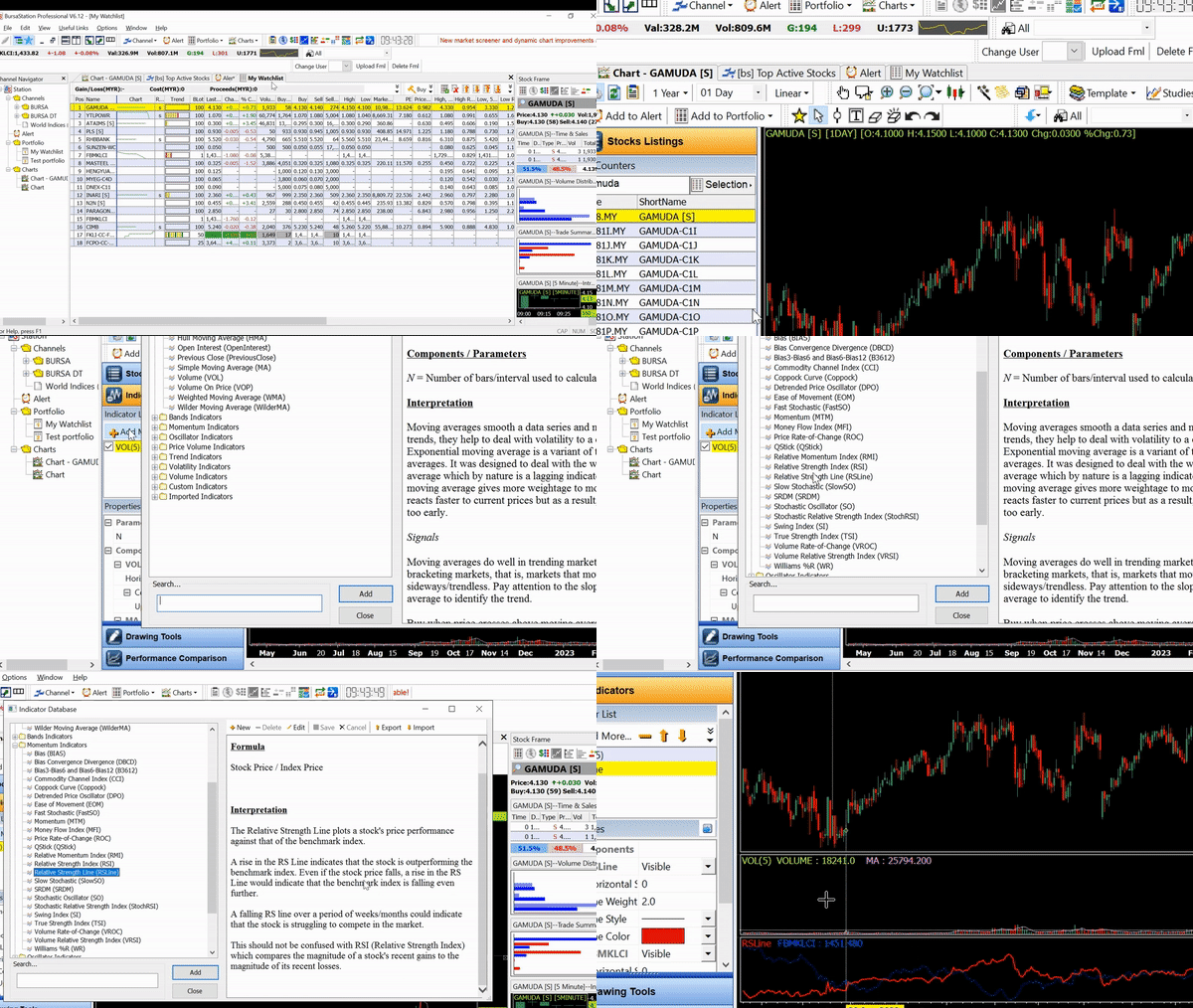
TA Formula Editor
  • The TA formula editor allows users to edit or create their own sets of indicators.
World Indices (delayed)


News On Chart
  • The News On Chart feature displays IR Alerts and Insider Trades headlines on the chart. User can click on the specific news to view the detailed news.
Saving layout template
  • Users can save their Station Layout on the server and retrieve the layout.

Previous Release Date : Dec 2009

BursaStation Professional Version 5.7 New Features Include:

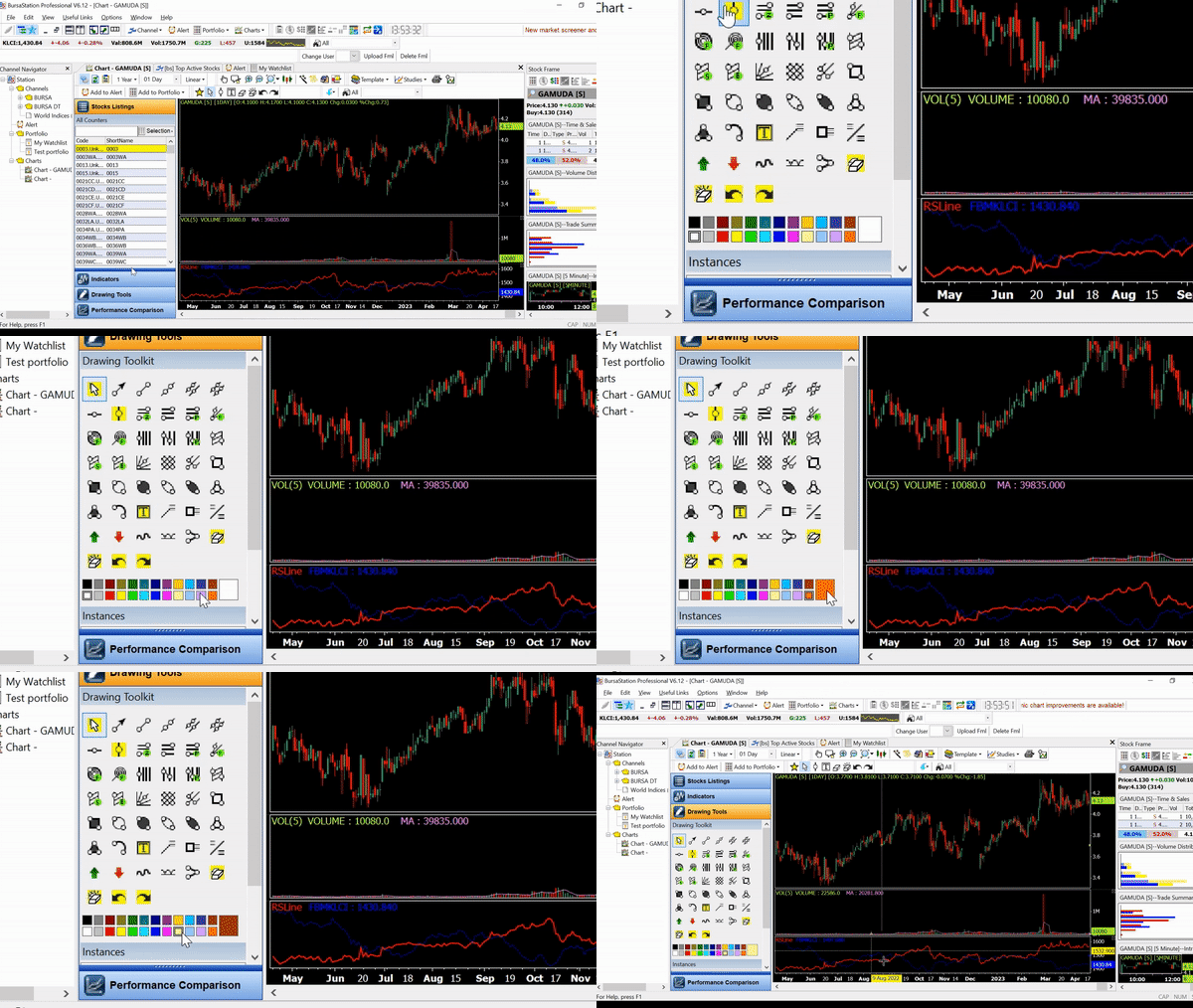
Snap drawing objects to all data points using Shift key
  • During drawing mode, user can press the SHIFT key to snap the cursor to any data point of the chart. A magnet cursor will be seen when the cursor is on the data point, this represents the point to which the drawing object will snap.

Copy function for drawing objects using Ctrl key
  • To copy a drawing object, user needs to press the CTRL key. Once the cursor is near/at the drawing object, the cursor will change to copy mode. Left-click on the drawing object and drag out the copied object.

Color Trend customization
  • Different color styles are incorporated into some indicators to enhance visualization to identify trends.

    • Moving average (MA/EMA/WMA)
    • SAR
    • MACD histogram
    • Ichimoku
Different studies for same counter


Shift indicators beyond data area


New Indicators
  • Pivot Indicator(Hourly, Daily, Weekly, Monthly)
  • Previous Close Indicator(Hourly, Daily, Weekly, Monthly)
New drawing tools
  • Regression (linear/Std deviation/Std error)
  • Fibonacci Time Zone
  • Fibonacci Time Extension
  • Andrew's pitchfork
Additional candlestick patterns and Customizable color to differentiate Bullish/Bearish/Indecision patterns
  • Hanging man
  • Hammer
  • Spinning top
  • Doji (Southern/Northern, Gravestone, Long Legged, Dragonfly)
  • Marubozu, etc
Chart channels
  • Charts opened from the channels toolbar or channel navigator are remembered. New chart channels can be created.
TA Scanner


Remember portfolio layout
  • The toolbars layout can be remembered and loaded back.
Minor Quote Movement window enhancement
  • The significant volume in the Quote Movement window can be highlighted and customizable. Exporting of Quote Movement to *.csv file and printing are allowed.
Minor DDE enhancement
  • Minor improvement to speed up the exporting of DDE links to excel files.
Enhance on text object to remember font
  • Font changes done to text objects can be saved and load back.
Remember recent opened counters for opened charts
  • Recent opened counters can be remembered when the station closes.
Reduce the one data bar problem


Added Settlement-Price and Open Interest column in to watchlist


Fix the volume problem.


Previous Release Date : August 2009

BursaStation Professional Version 5.6 New Features Include:


Candlestick Pattern Recognition
  • Candlestick patterns recognition is the latest added feature to the Dynamic TA Chart. With this recognition tool, investors can quickly identify different types of price action that will result in reversal or continuation in trends
Customizable price field for moving averages
  • The customizable price field allows investors to specify Open, High, and Low or close when applying moving average indicators (MA, EMA, WMA).
New drawing tools (Fibonacci projection, Fibonacci fan, Fibonacci circle, Gann Fan, Gann Grid)
  • Fibonacci projection, Fibonacci Fan, Fibonacci Circle drawings are now available for investors to draw and identity the probability of a trend for each price level. Gann Fan and Gann Grid are also included to allow investor to identify price breakouts and the strength of them.
Saving indicators and drawing objects properties
  • Changes made to indicators and drawing objects can now be saved. This allow investors to quickly add their customized indicators or drawing objects faster without the hassle to change their parameters or colors, etc.
Support fill region for Bollinger Bands


Customizable themes
  • Themes are now customizable to allow investors to change their chart panel background color, grid color, axis color and crosshair color.
Enhanced view for market depth
  • Enhanced graphical view of the queue allows investors to identify support and resistance price levels at a glance.
Customizable alerts sound
  • Investors can now select a preferred sound to be played when stock alerts are triggered.


Previous Release Date : 2 Jan 2009

Bursa Station Professional v5.5 New Features Include:


New Dynamic TA Chart V2
Introducing the new Dynamic TA Chart V2, with the following new features and functionality.

  • More Than 50 Indicators
    We support a lot more indicators with Dynamic TA Chart now, including the popular Average True Range(ATR), Guppy Multiple Moving Average(GMMA) and Ichimoku Kinki Hyo(Ichimoku).

  • Tick By Tick Realtime Charts
    You can now specify the time period of your charts, from 1 second all the way to 1 month.

  • New Heikin-Ashi Chart Type

  • Open Multiple Instances Of The Charts
    Open more than one chart at the same time on your PC

  • Enhanced Drawing Tool
    We have enhanced our existing drawing tools to provide more visual feedback. In addition, we have introduced additional drawing tools for you to use.

  • More Intraday Data
    Now up to 3 months of intraday data is available.

  • New Chart Channel
    In addtional to the current price and portfolio channel, there is a new chart channel which you can open within Bursa Station. We support up to three different chart channels in main frame. Activate the chart channel by clicking on the "Chart" icon in the Channels toolbar.
Dynamic Data Exchange(DDE)
  • DDE functionality allows you to link your Excel application and any other application support DDE with Bursa Station. You will be able to extract and export the realtime data directly from Bursa Station into your application.
Increased Number of Counters In Watchlist
  • Due to user requests, we have increased the max number of counters per watchlist from 50 to 60.
Market Summary Toolbar
  • On top of the absolute change, we have added a percentage change field in Market Summary toolbar.
Market Depth Enhancement
  • Market Orders are now shown in Market Depth
FUPO Support
  • For Bursa Derivatives users, there is now a dedicated FUPO channel.

Previous Release Date : 2 Jun 2008

Bursa Station Professional v5.4 New Features Include:


Derivatives Market Data
  • Our latest derivatives markets include KLCI & Crude Palm Oil Futures with live prices, with the update of time&sales windows, trade summary matrix, intraday charts, volume distribution charts, quote movements and 5th level market depth.
Quick Counter Search with Full Name Display  
  • The quick search feature enables you to check the details of any counters with 1-click.
Minor Improvements
  • The new feature (support usages with limited system privilege) helps those user whom use workstation in company with strict security enforcement. Previously, the application cannot save user's customization with limited privilege. Enabling this feature will solve this problem.
  • Add a trade summary status in time&sales windows.
  • Increase the number of block in the trendbar from 10 to 12.

Requirements
  1. Pentium III and above with 256 MB of RAM
  2. Windows 2000/2003/XP/Vista
  3. IE 6.0 or above
  4. Fast Internet connection speed, broadband recommended

* For users behind firewall, please open port 3090 and 3091 for better performance.

Download Instructions

Netscape Users:
Click on the download link above and save the .exe file into your Windows/Temp directory. Once you have saved the file, find the file and double click it to begin the installation.

IE Users:
Click on the download link above and choose "Save this program to disk" from the Internet Explorer dialog box that pops up to begin the installation.

Terms and Condition

The copyright and other intellectual property sights in this software are owned by ShareInvestor.com Holdings Pte Ltd ["SI"]. Please read through terms and conditions of the License Agreement .


Experience the features of Bursa Station Professional yourself! Sign up for our trial now!
Click here!
Name
Last
Chg
0.095
+0.005
0.405
-0.010
0.065
-
0.140
+0.010
0.080
-0.005
8.000
+0.110
4.480
-0.030
4.490
+0.010
0.075
+0.005
0.600
+0.015
 Index
Last
Chg
FBMKLCI
1434.680
-0.990
FBMT100
9370.200
-11.560
FBM70
9345.800
-31.380
FBMSCAP
11231.790
-4.940
FBMFLG
7999.790
+18.950
FBMACE
3754.530
+5.170
FA40
9617.140
+109.850
TECHNOLOGY
19.740
-0.110
Vol:
743.74 M
Val:
1421.8 M
Rise:
316
Fall:
371
 Name
Last
Chg
CIMB
8.000
+0.110
GENTING
9.290
+0.070
MAYBANK
8.420
-0.030
AXIATA
4.480
-0.030
MUDAJYA
4.490
+0.010
[ Mobile Edition ]Copyright © 2010. ShareInvestor.com Holdings Pte Ltd. All Rights Reserved.Please read our General Disclaimer & Warning carefully.
Use of this Website constitutes acceptance of the Terms of Website Use .For Members, please read our Membership Terms and Conditions carefully.